Carestream Intelligence
Introducing a New Way of Thinking:
Carestream Intelligence
Carestream Health produces software solutions that enhance workflow efficiency for radiographers, potentially increasing patient volume throughput. Key benefits include consistent imaging, automated and standardized processes to optimize workflows, and a reduction in retakes and radiation dose.
The Ci framework enhances the radiographer’s workflow by providing access to essential functions both before and after exposure. It leverages advanced workflows embedded with AI and other proprietary non-AI algorithms. Under this framework, Carestream offers a robust set of features that streamline the imaging process.


Workflow Efficiency
Improves workflow, productivity and patient care

Imaging Intelligence
Improves image quality, consistency, companions & dose

Healthcare Analytics
Dashboards for operational, clinical & business understanding
The Power of Smart-Room Capabilities
Smart DR Workflow uses AI to streamline common tasks.
For busy departments with limited resources, our Smart Rooms can help automate tasks and enhance patient throughput for greater productivity and improved patient care.


Workflow Automation Pre-Exposure
Image Quality Optimized

Consistent Imaging Optimize Workflow Reduces Retakes
- Audio Assist
- Position Monitoring
- Smart Auto - Position

- Video Assist
Automate & Standardize Smart & Aware Reduce Dose
- Smart Collimation
- Smart Positioning

- Smart Technique
- Multi - Shot Long Length Imaging
Image Intelligence Post-Exposure
Image Quality Optimized
- Smart Noise Cancellation
- Smart Grid
- Pneumothorax
- LLI & Stitching
- Pediatric Imaging & Enhancement
- Consistent Orientation
- Tube & Line Visualization
- Dual Energy & Bone Suppression
- CI-Fine Rotation

Smart Imaging Solutions
DRX-Evolution and DRX-Compass customers have 2 options for Smart Room/Carestream Intelligence bundles when configuring their room:
- Smart Room
- Smart Room Assist
Additionally, they can purchase other features like Virtual Collimation, Virtual LLI and Ci LLI ROI, if they have either Smart Room or Smart Room Assist.

Smart Room Assist
Benefits
- Improve Productivity
- Help Standardize Workflow
- Reduce Operator Strain
- Consistent Image Quality
- Lower Dose
- Reduce Retakes
- Improve Infection Control
- Utilizes New Generation 3D+2D Wide Angle Camera Set
- Features Support All Body Parts
Smart Room
Benefits
- Same as Smart Room Assist +
- Reduce Repetitive Actions
- Reduce Operator Injury
- Smart Room includes Smart Room Assist Features + Those Shown Above
- Utilizes camera Input and AI to Assist the Radiographer
- Both Cameras are Used: the one on Collimator and the Lateral Camera as well
Radiographers can monitor their patients from the operator console through a live camera view and see if the patient has moved out of position.
To accelerate exam time, this feature enables the radiographer to adjust the collimation directly from the operator console using the live camera view. Faster collimator adjustment speeds workflow helps reduce work intensity and enhances imaging consistency. Virtual Collimation allows the radiographer to further adjust the collimation from the console to reduce radiation exposure to the patient and avoid clipping anatomy. You can also count on a reduction in anatomy clipping, for fewer retakes and lower dose.
Bi-directional audio assist allows two-way communication between the radiographer and patient, utilizing customizable audio guidance presets and direct audio. With direct audio, radiographers can easily provide instructions to their patients in their native language – helping guide them through the procedure, for faster, smoother exams.
Allows the radiographer, from the console, to capture photos of the patient concurrently with the diagnostic image or manually. These photos are delivered to the physician along with the patient record to show positioning and provide additional clinical context. Unwanted pictures can be easily deleted prior to delivery.
This feature allows the technologist to set and adjust the auto-LLI exposure region from the operator console on the live camera view – supporting faster LLI workflow, improved productivity, and a reduction in work intensity. It also delivers improved imaging consistency, while helping prevent anatomy clipping to reduce retakes.
Positioning the patient for optimal imaging can be a challenge. This feature displays the AEC cells and detector boundary on the live camera view at the operator console, so the radiographer can confirm that the patient is ideally positioned within the imaging field prior to the exposure.
Align assist indicates the alignment between the tube head and detector and tube head angles for easy viewing by the radiographer. This helps speed optimal alignment and positioning when the detector is outside of the bucky. Highly beneficial for tabletop and stretcher imaging, as well as for exams of wheelchair patients, Align Assist supports consistency, reduced retakes, and faster workflow.
Automatically display images in the proper orientation with Smart Bundle. Key benefits include consistent presentation of PACS, reduce post exposure editing and higher productivity.
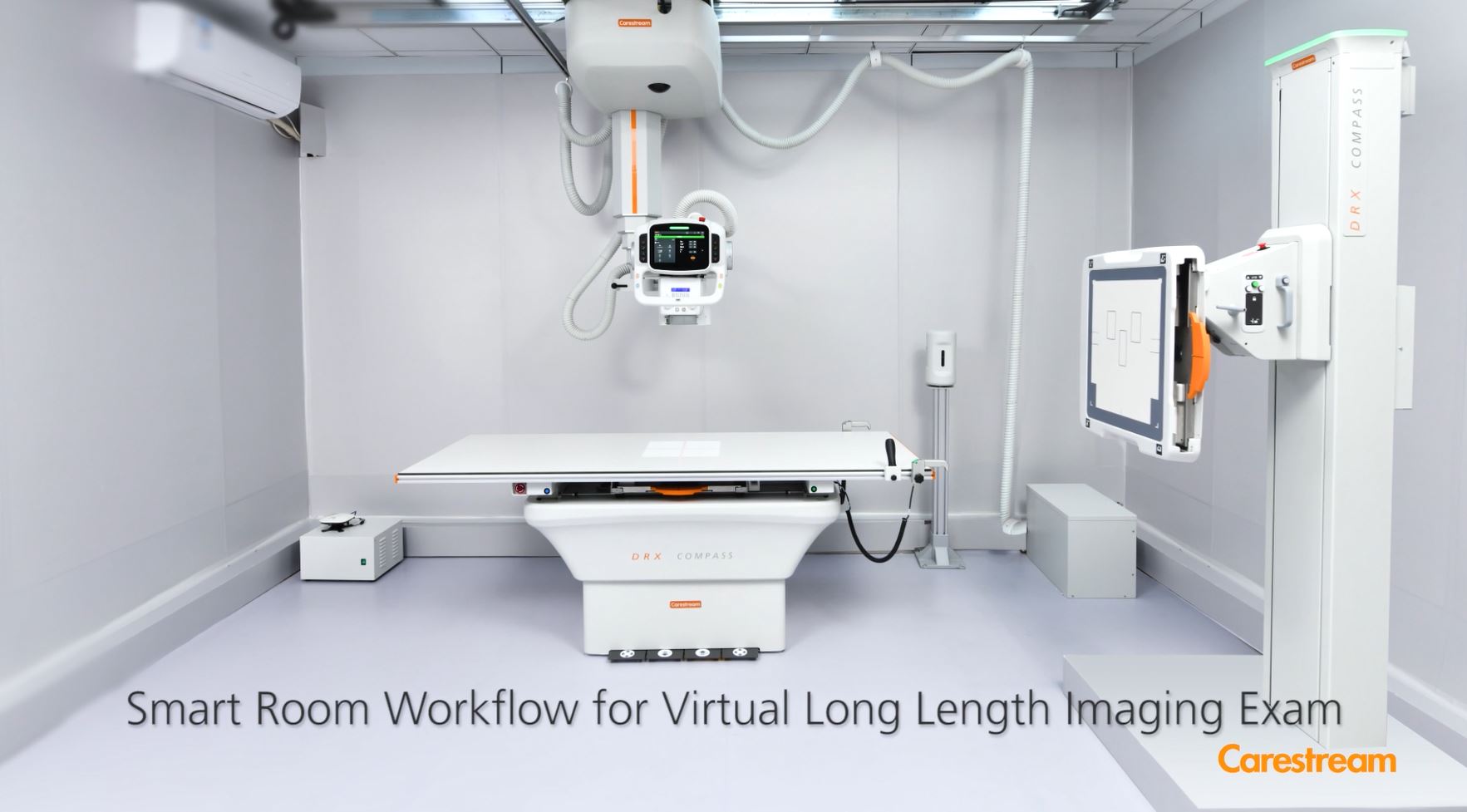
Smart Long Length Imaging allows the system to set a LLI region of interest, collimation width, and OID for an Automatic LLI exam. Key benefits include speed up and simplify LLI workflow, up to 40% reduction time compared with Virtual LLI, reduce retakes by adapting to patient movement, no laser marking for ROI planning and avoid marking ROI when tube rotation is near 90 degrees.
The live camera view is augmented with overlays for patient position correction/verification, pose verification, and detector boundary. This allows for more accurate alignment and consistent image acquisition. It also reduces the need for physical contact between the radiographer and patients – a huge benefit when direct contact with potentially contagious patients needs to be minimized.
Input from the camera is used to assess a patient’s height and size, and to ensure that the patient is standing out of the equipment’s path. The wallstand and tubehead automatically move into the right position – vertically only, and at a slow speed, for safety.
A recent study2 published in the Journal of the American College of Radiology reports that, on average, 18% of imaging exams require retakes, with 15% of those retakes due to exposure issues. Carestream’s Smart Technique automatically selects the appropriate acquisition technique based upon the patient’s size and verifies technologists exposure settings. This can eliminate up to 492 retakes every year. And because retakes require about three minutes each, this could save more than 24 hours each year – while it enables faster dose setting and reduces overexposures.
This feature automatically adjusts the collimation field based on the detector size and patient position to provide image consistency and help reduce anatomy clipping and retakes.
This feature prompts patients with photos on a supplemental monitor to guide them on how to properly position themselves for the exam. This helps minimize close radiographer/patient interaction – especially critical to reduce the risk of infection when imaging contagious patients.
Developed with AI
A community of service and Support
For dependable service, look to our Customer Success Network. We work continuously to improve your imaging performance, help you to innovate as needs change, and make the most of your budget and resources. Carestream’s Customer Success Network surrounds you with a dynamic team of experts, with a Single Point of Entry for easy, customized access to the right people in every situation. You and your patients will benefit from the expertise and best practices only Carestream can deliver.
Image Gallery

Patient-Position Monitoring

Virtual Colimation

Position Overlay

Smart Auto-Position

CI LLI ROI

Video Assist

CI-Fine Rotation

Align Assist

David Chang & Jorge Quant

Eclipse with AI Intelligence in Action

Smart Noise Cancellation
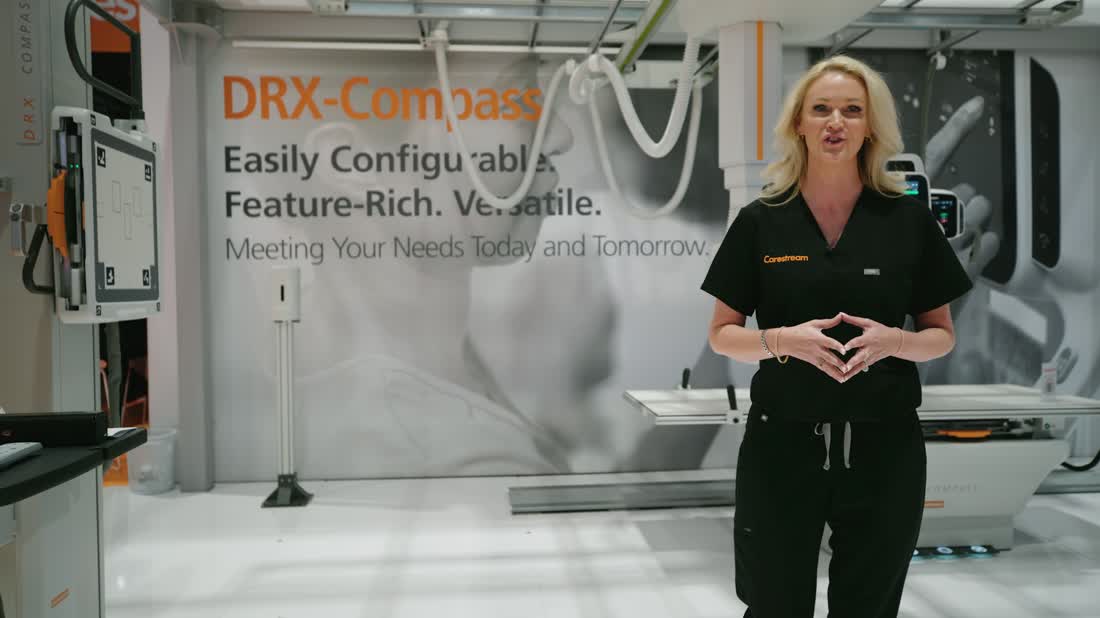
RSNA 2024 DRX-Compass
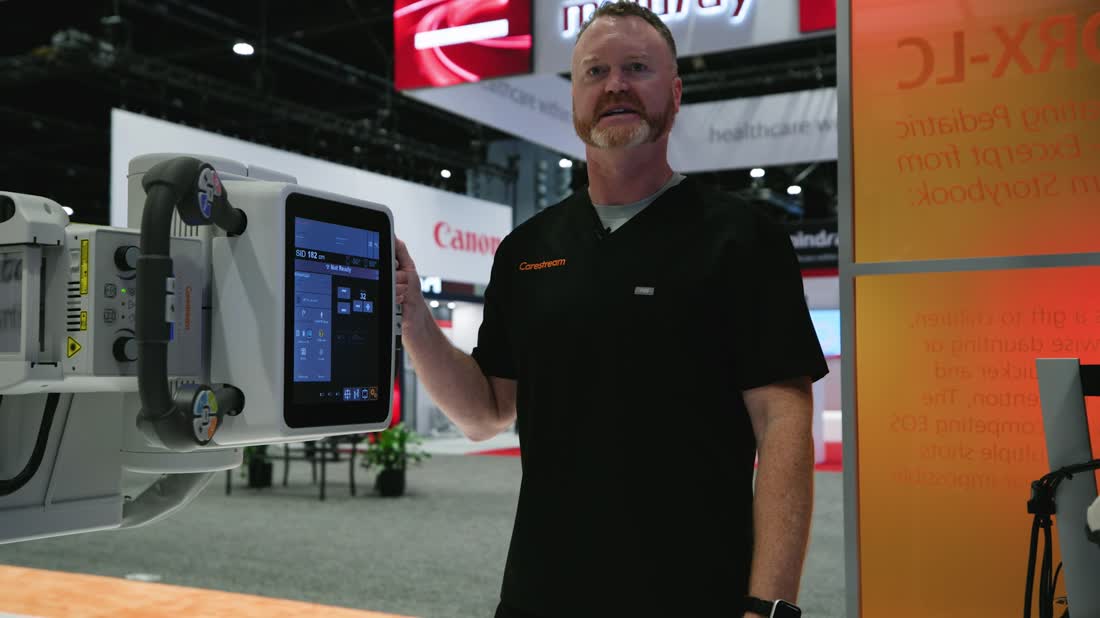
RSNA 2024 DRX-Evolution Smart LLI
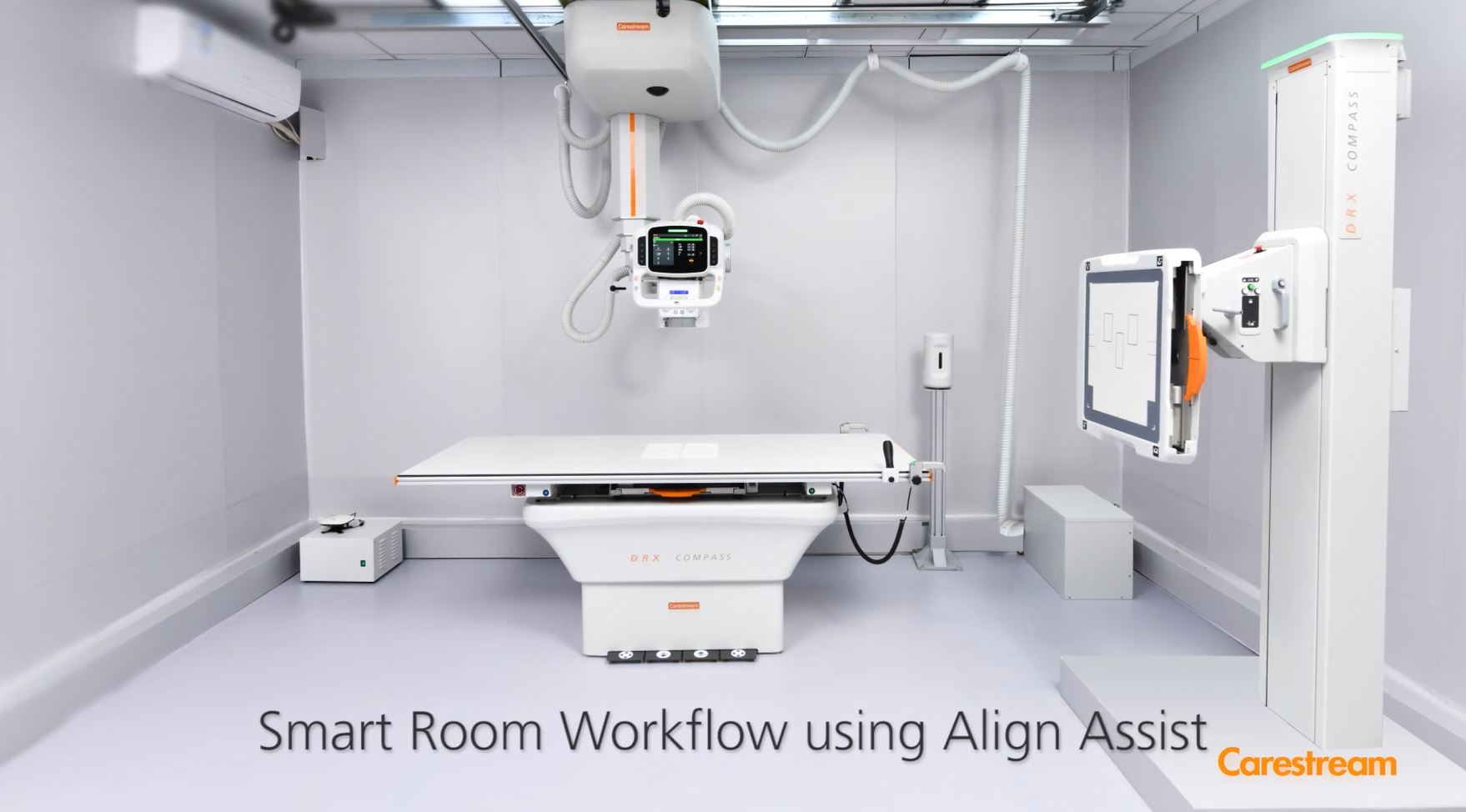
Smart Room Workflow Using Align Assist
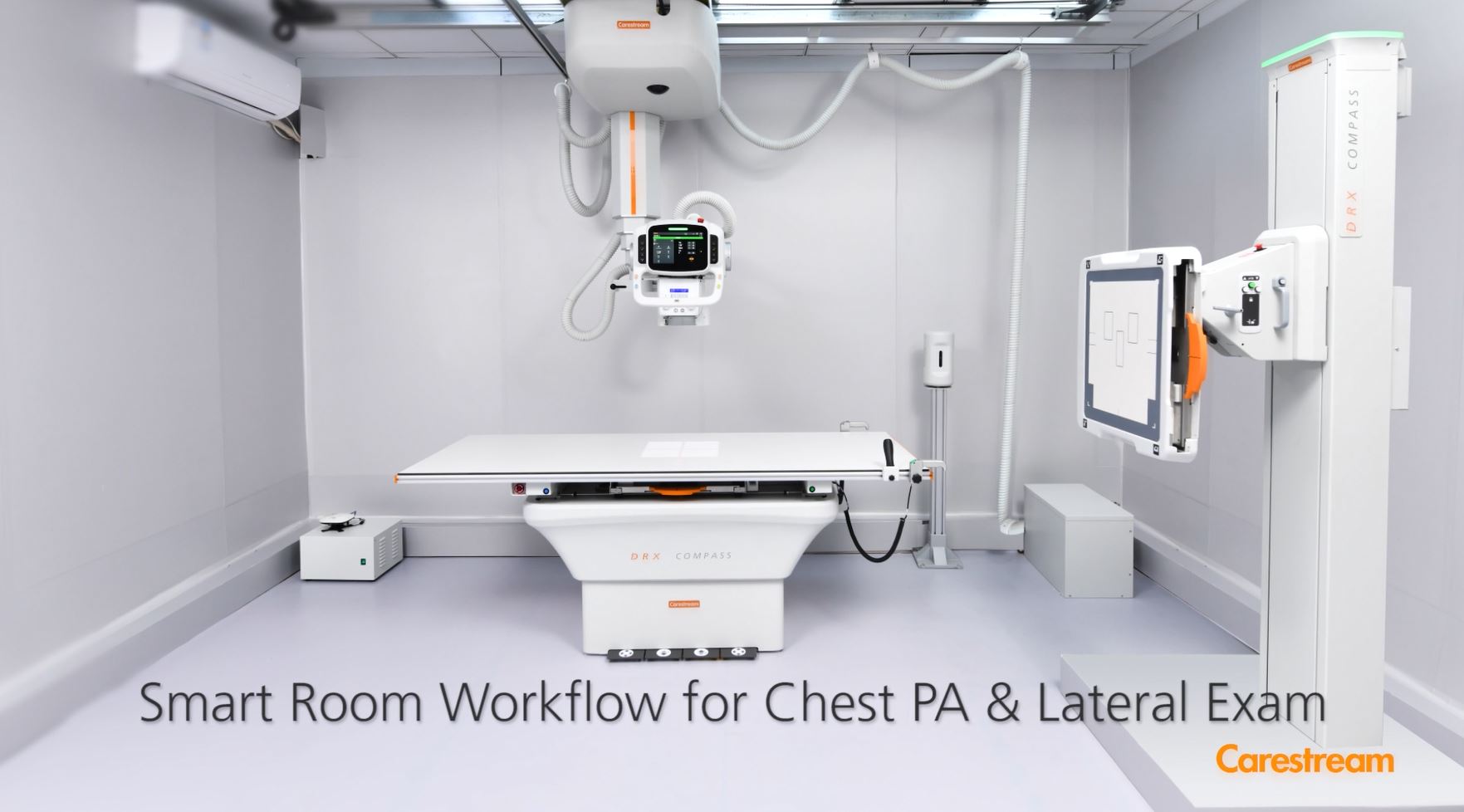
Smart Room Workflow for Chest PA & Lateral Exam